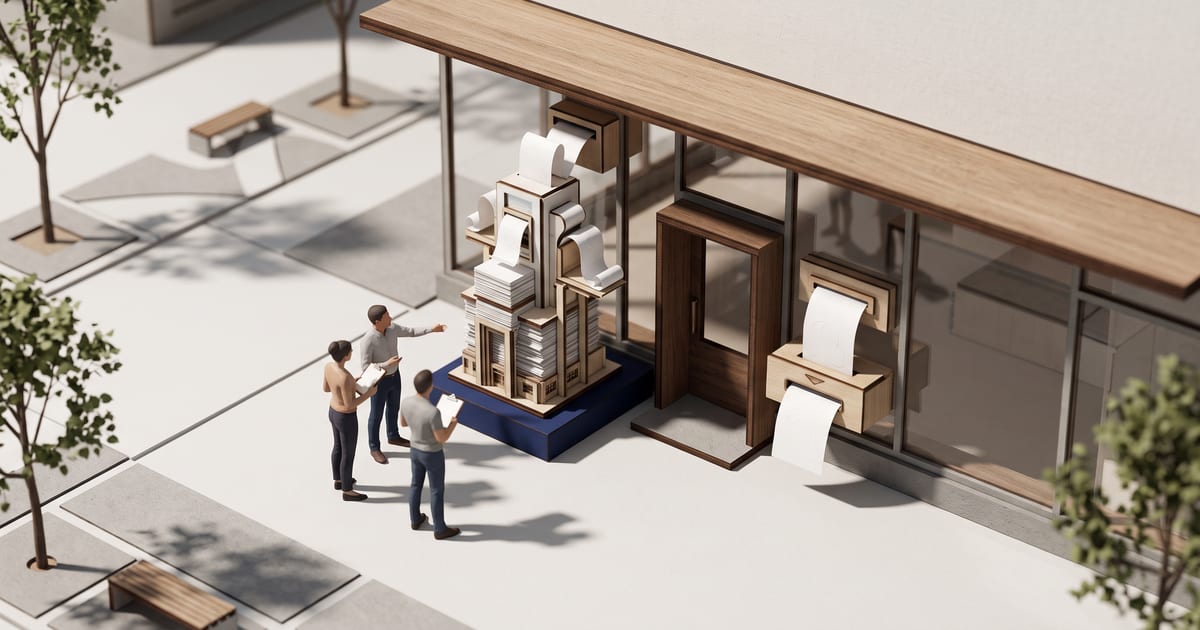
What changed: Shopify announced Canvas, a new design surface that lays out every page of a store theme together in one interactive, infinite workspace. Merchants can pan across pages, zoom into details, click any element to edit it directly or tell Sidekick what they want in chat, watch changes land in real time, and preview the real working store with interactions, animations, and different products, collections, and screen sizes.
Who is affected
The source says Canvas is rolling out to existing stores, accessible via Online Store > Themes by creating a new theme or duplicating a Shopify theme or custom theme in Canvas; third-party themes from the Shopify Theme Store, Markets, rollouts, translations, and app blocks or app embeds aren't supported at launch.
What it means for your business
For businesses running a Shopify store, this means the theme can now be redesigned visually in one combined workspace without touching code, but stores using a third-party theme can't use Canvas yet, and themes edited in Canvas stop receiving theme updates.
What to do
Go to Online Store > Themes and create a new theme in Canvas, or duplicate your existing Shopify theme or custom theme into Canvas to test it, since your original theme stays unchanged in the current theme editor.
When it takes effect
The source states Canvas is rolling out to existing stores over the coming days; no exact date is given.
Source: https://changelog.shopify.com/posts/design-a-fully-bespoke-store-with-canvas